AI TOOL / #10696
CANVID for Windows
Screen recording tool with auto-enhancement to easily create professional videos.
Introduction
Screen recording tool with automatic enhancements for creating professional videos easily.
What is Canvid?
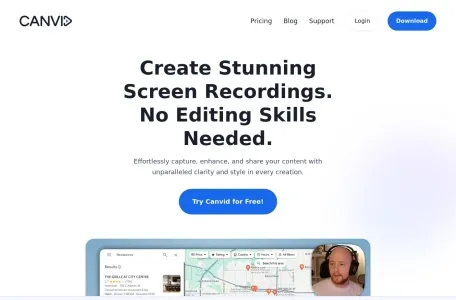
Canvid is a screen recording tool designed to easily capture, enhance and share screen recordings. It offers features like smooth mouse movement, auto-zooming, cinematic motion blur, and background effects, making it ideal for creating high-quality presentations, tutorials, and promotional videos without advanced editing skills.
How to use Canvid?
Capture the screen with just one click, enhance it with auto-zoom and AI background effects, add subtitles, and finally share the finished video instantly via cloud upload or local save.
Canvid’s core features
Auto scaling
AI background effect
Automatic subtitles and transcriptions
Simple screen recording
Share instantly
AI enhanced speech
Creative camera features
Related
QuitSugar: Track & Cut Sugar
An app designed to help track and reduce sugar intake, while promoting a healthier lifestyle.
Fast Shapes
An AI-powered personal trainer that provides personalized workout and nutrition plans.
MealSnap: AI meal log journal
An AI-powered diet logging and calorie tracking iPhone app.
BragHumble
Artificial intelligence-based fitness apps are capable of counting the number of repetitions, tracking workout progress, and providing voice guidance.
FitComrade
An integrated fitness app that offers exercise plans, nutrition tracking, and community support.
NutriCapture —— AI food tracker
An AI-based food tracker that allows users to track their calorie intake and nutritional content by scanning photos or barcodes.