AI TOOL / #02182
Autodoc
Autodoc extracts data from documents by using simple Chinese definitions and straightforward procedures.
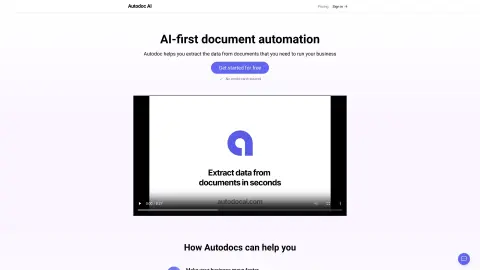
Introduction
Autodoc extracts data from documents using plain English definitions and simple steps.
What is Autodoc?
Autodoc is capable of extracting data from documents. Without the need for complex formats or settings, users can simply define the content they want in Chinese, upload their documents, obtain the desired results, and then export them to their preferred tools.
How to use Autodoc?
Steps to use Autodoc: 1) Define the content you want to document in simple Chinese; 2) Upload the document; 3) Obtain the results; 4) Export them to your preferred tool.
The core features of Autodoc
Extract data from the document.
Define the extraction requirements in simple Chinese terms.
Upload documents with ease.
Export data to various tools.
Related
PCSX2
The most advanced open-source PlayStation 2 emulator, which has undergone nearly two decades of continuous development, boasts extremely high compatibility. It supports Windows, Linux, and macOS platforms and is capable of running thousands of classic PS2 games.
BlueStacks
The most well-known Android emulator and platform for running mobile games on PCs. It allows Android games and applications to run smoothly on computers, supports multiple instances simultaneously, and enables keyboard and mouse control. The official Chinese website was launched in 2014.
three.dev
Analyzing traffic on the monitoring line to identify error points in the AI agent.
Neura
AI-powered shopping guides and customer service agents for consumer brands
Black Rock Reading
Original online novel platform
HathiTrust Digital Library
Academic Digital Library