AI TOOL / #02660
Grok Button
A browser extension that provides quick access to Grok AI.
Introduction
A browser extension for quick access to Grok AI.
What is a Grok Button?
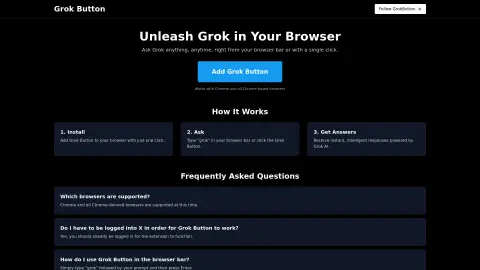
The Grok button is a browser extension that seamlessly integrates the powerful capabilities of Grok AI into your web browser. Users can submit their questions by entering “grok {your question}” in the browser address bar or by clicking the Grok button, and they will receive instant, intelligent responses.
How to use the Grok Button?
Install the Grok button extension. To use it, enter “grok” followed by your question in the browser address bar, then press Enter, or click the Grok button.
The core functionality of the Grok Button
Quickly access Grok AI from your browser.
Answer questions immediately
Integration with Chrome and Chrome-based browsers
Related
pre.dev
Pre-dev: Estimate the cost of software development, create project plans, and connect with selected developers.
ResearchGPT
A research assistant that enables users to converse with research papers, using large language models (LLMs).
Perspect
A devex platform that recognizes and rewards developer work.
Waakif
A comprehensive platform designed for businesses: POS systems, online ordering services, loyalty programs, and artificial intelligence-powered marketing tools.
ViableView
An artificial intelligence-based e-commerce platform that offers market intelligence tools as well as marketing and operational management solutions.
Datatruck
A transportation management system and labor automation platform provided for trucking companies, offering actionable data insights.