AI TOOL / #06040
AI Meeting Notes Taker & Screen Recorder
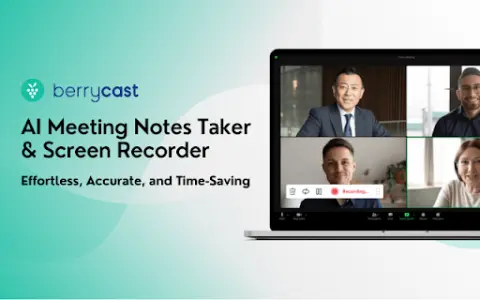
An AI-based screen recording and video messaging platform with transcription and summarization capabilities.
Introduction
AI-powered screen recording and video messaging platform with transcription and summarization features.
What is the Berrycast AI Chrome extension/plugin?
Berrycast is an AI-powered screen recording and video messaging platform with over 100,000 users. It allows users to automatically record and transcribe meeting conversations and then use AI to summarize the discussions. Users can easily share video links via email, instant messaging, or task management tools. Berrycast also facilitates effective communication through screen-recorded video messages.
How do I use the Berrycast AI Chrome extension/plugin?
Install the Chrome extension or desktop app, launch the recorder, choose a recording mode (screen + camera or camera only), and stop recording; the video will then be uploaded to the cloud. You can then use the transcript and leverage AIWriter to summarize the discussion. Finally, share the video via a direct link, email, or social media.
Core features of the Berrycast AI Chrome extension/plugin
Screen + Face Recording
Video editing
Transcription (60+ languages)
ChatGPT-based AIWriter
Video Download
Email integration (Gmail and Outlook)
Video view tracking
Video replies and comments
Related
Ojin
Real-time AI agents with visible faces and audible voices
Sophclaw
Multi-model cloud computing AI digital employees
TapNow
AI Film and TV Creation Workflow Platform
Score AI
AI music creation and distribution
Lexcat
AI Legal Case Handling Assistant
tower monkey
AI Creator Order Acceptance and Delivery Platform