AI TOOL / #06413
Audiotext AI
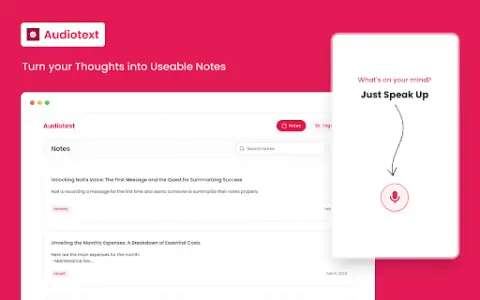
Audiotext AI converts audio to text, removes filler words, and offers multiple transcription styles.
Introduction
Audiotext AI converts audio to text, removing filler words and offering various transcription styles.
What is the Audiotext AI AI Chrome extension/plugin?
Audiotext AI can convert audio into accurate text by removing unnecessary words and generating concise summaries. It allows users to transcribe speech into text, offering multiple styles such as short summaries, bullet points, passive voice, and active voice.
How do I use the Audiotext AI Chrome extension/plugin?
1. Speak naturally, including filler words. 2. Choose a transcription style (short summary, long summary, bullet points, etc.). 3. Click "Transcribe."
Core features of the Audiotext AI Chrome extension/plugin
Audio to text
Remove unnecessary words.
Concise Summary
Rewriting with AI for style adjustment
Shareable note link
Related
Virtual Friends
AI character chat combining 3D animation, voice, and XR integration.
Astrocyte
Create and chat with 3D AI characters in your browser.
ChatVerse
A platform that allows for various forms of communication with interactive AI chatbots.
storychat.app
An AI chat platform that enables creators to monetize content through interactive stories and AI image generation.
FantasyGF – AI Girlfriend Generator
AI Girlfriend platform for creating and interacting with personalized AI companions.
SpicyChat
Spicy Chat AI: Create and chat with a personalized AI companion.