AI TOOL / #07230
hahaOCR
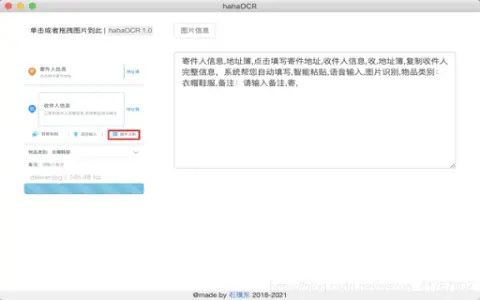
Extract text from the image; press the ESC key to exit.
Introduction
Extract text from images and exit with ESC.
What are the Image to Text and ESC Exit App AI Chrome extensions/plugs?
This application allows users to extract text from images and convert it into editable text. Users can upload images by clicking a button and exit the application by pressing the “ESC” key.
How to use the Image to Text & ESC Exit App AI Chrome extension/plug-in?
Click the upload button to select an image. The application will automatically extract the text from the image and display it. Press the “ESC” key to exit the application.
The core functionality of the Image to Text and ESC Exit App AI Chrome extension/plugin.
Image to Text conversion
Use the ESC key to exit the function.
Related
Lots AI
An AI-powered trading assistant that provides chart analysis, news analysis, and position calculations.
PnPAI
AI-as-a-service platform for plug-and-play industry-specific AI solutions for SMBs.
simbly
AI Business Plan Generator – creates high-quality business plans in just a few minutes.
Raizer
An integrated platform that connects founders with investors, offering AI-powered fundraising tools and resources.
Moning
An integrated platform designed to manage and enhance wealth management capabilities, offering investment tracking services as well as AI-powered analysis tools.
intelliAssets
An AI-driven digital asset management platform, suitable for both investment and personal financial management.