AI TOOL / #07908
Dubbing AI
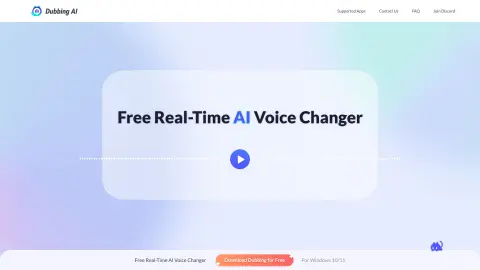
A real-time AI voice changer for gaming, live streaming, and meetings, featuring a soundboard.
Introduction
Real-time AI voice changer for gaming, streaming, and meetings with soundboard.
What is Dubbing AI?
Dubbing AI is a real-time AI voice changer designed for gamers and streamers, allowing users to transform their voices into any character while preserving emotion, tone, and expression. It offers AI-powered voice modulation, a soundboard with meme sound effects, and compatibility with a variety of applications such as Discord, Zoom, and OBS. Dubbing AI also provides tools such as a vocal remover, instrumental remover, recorder, and audio converter.
How do I use Dubbing AI?
1. Download and configure Dubbing AI, and select your microphone as the input device.
2. Go to the Voice Box menu and select a voice filter.
3. Turn on the Voice Changer switch.
4. Use the Hear Myself switch to test your voice.
5. In the app you want to use, select “Microphone (Dubbing Virtual Device)” as the input.
Core features of Dubbing AI
Real-time AI voice changer
A soundboard with meme sound effects
Vocal and Accompaniment Remover
tape recorder
Audio Converter
Community Soundboard
Related
Voxpopme
A centralized qualitative data analysis platform that utilizes video surveys, interviews, and artificial intelligence for analysis.
Brainfish Agent Assist
Agent Assist helps customer service agents resolve issues faster with instant, tailored answers.
Bold360
Chrome extension for quick access to the Bold360 Knowledge Base and suggest new topics.
moyoNote
An all-in-one AI tool for organizing information into mind maps with interactive Q&A and secure sharing.
OpenChit
An AI chat client with text, voice, and knowledge base capabilities.
Heyday
An AI-powered memory assistant that helps you recall forgotten information while you are browsing the web.